Sticker Vault
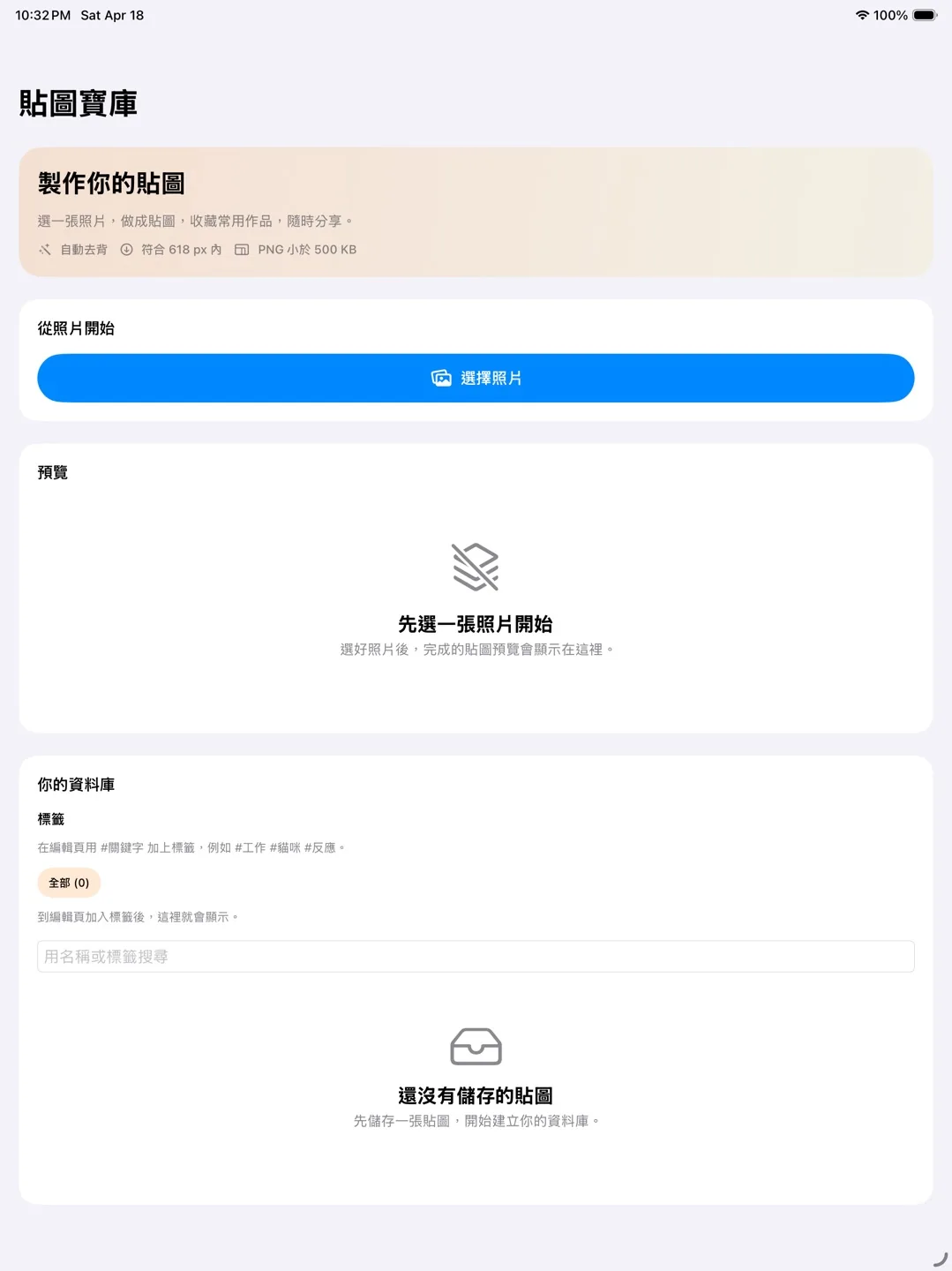
Sticker Vault 可把照片快速整理成個人貼圖收藏,協助 iPhone 使用者建立、分類並直接在 iMessage 裡傳送自訂貼圖。
- 可用裝置
- iPhone / iPad
- 下載方式
- 付費下載
主要功能
- 使用裝置端智慧功能快速去背,單次點擊即可分離照片主體
- 以標籤管理貼圖,依家庭、工作、迷因或內部笑話分類
- 支援 iMessage,能直接從訊息 App 抽屜尋找並傳送貼圖
- 自動調整貼圖大小與壓縮品質,兼顧清晰度與傳送效率
- 以隱私為優先,盡可能在本機處理,不把圖片上傳到開發者雲端
使用方式
- 從照片圖庫匯入圖片
- 透過自動去背與最佳化建立貼圖
- 使用自訂標籤整理貼圖
- 在 iMessage 中快速傳送
Sticker Vault
Turn your photos into your personal sticker collection instantly. Sticker Vault helps iPhone users create, organize, and send custom stickers directly inside iMessage without digging through a cluttered photo library.
- Devices
- iPhone / iPad
- Download
- Paid download
Key Features
- Instant background removal using on-device intelligence to isolate subjects from your photos in a single tap
- Smart tagging and organization so your stickers stay sorted by categories like Family, Work, Memes, or Inside Jokes
- Native iMessage integration that lets you find and send stickers directly from the iMessage app drawer
- Quality-focused processing that automatically resizes and compresses stickers for iMessage while preserving visual clarity
- Privacy-first design with local processing and no cloud storage of your images
How It Works
- Import photos from your library.
- Process each image with automatic background removal and sticker optimization.
- Organize your stickers with custom tags for faster access.
- Open iMessage and send the right sticker with a single tap.