 iPhone / Mac / Apple Vision Pro
把實體物件變成可收藏、可策展的 3D 博物館。
ObjectifyAR 串起 iPhone 掃描、Mac 重建、iCloud 收藏庫與 Apple Vision Pro 展示,讓 3D 建模不只停在產生檔案。
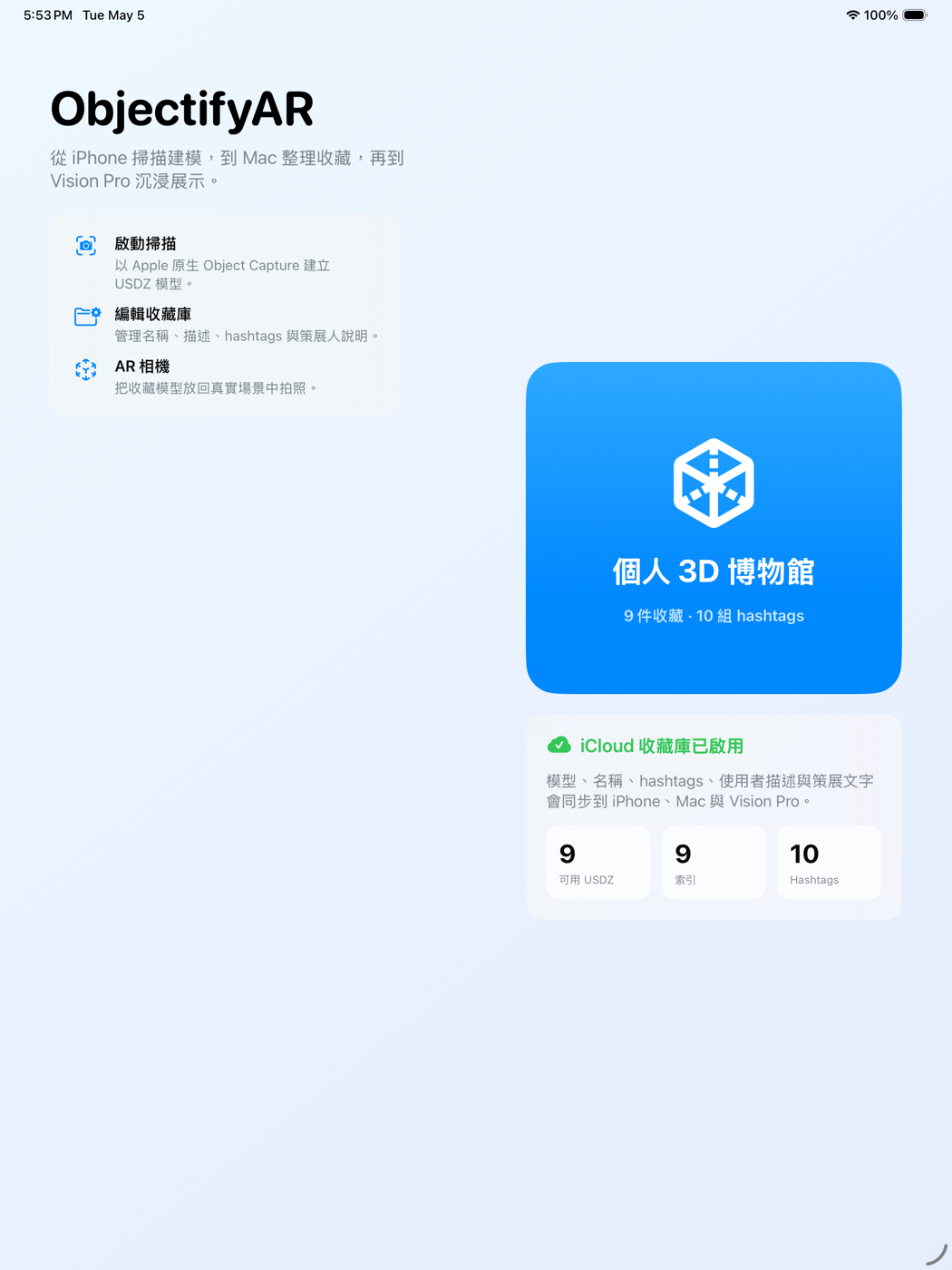
- 可用裝置
- iPhone / iPad / Mac / Apple Vision Pro
- 下載方式
- 付費下載
完整的 3D 收藏流程
使用者可以從現實世界中的物件開始,透過 iPhone 掃描與建立 3D 模型,再用 Mac 進行更穩定的建模與檔案管理,最後在 Apple Vision Pro 中把這些模型變成一座可瀏覽、可分類、可分享的個人博物館。
透過 iCloud,三個平台能共享同一個收藏庫,讓每個裝置都在最適合的位置發揮價值。
iPhone 是入口,負責把現實物件帶進 3D 工作流程。
Mac 使用 RealityKit Photogrammetry 進行穩定重建與整理。
Apple Vision Pro 把收藏變成可瀏覽的個人展示空間。
iPhone:捕捉現實物件
iPhone 版是 ObjectifyAR 的入口,也是捕捉現實物件的第一步。使用者可以用 iPhone 拍攝物件的多角度影像,建立可用於 AR 與空間展示的 USDZ 模型。
完成後,模型可以直接加入收藏庫,也可以匯出到 Mac 進行重建。iPhone 也延伸成 AR 相機,讓使用者把已建立的模型放回現實場景中拍照,讓 3D 掃描不只是專業工具,也能成為日常創作與旅行紀錄的一部分。
Mac:重建與整理中心
Mac 版扮演專業建模器與整理中心的角色。當使用者從 iPhone 匯出拍攝資料後,Mac 可以用 Apple 原生的 RealityKit Photogrammetry 技術重建 USDZ 模型,並將完成的模型加入同一個收藏庫。
Mac 螢幕空間較大、檔案操作更清楚,因此也很適合作為收藏品後製、命名、註記、hashtag 分類與資料整理的平台。對需要更穩定工作流程的使用者來說,Mac 是 ObjectifyAR 價值鏈中的生產核心。
Apple Vision Pro:沉浸式個人博物館
Apple Vision Pro 版把 ObjectifyAR 從工具推向展示體驗。它不是單純的檔案瀏覽器,而是一座沉浸式的個人展示櫃。
使用者可以用 hashtag 篩選收藏主題,進入半圓形展覽舞台,像逛博物館一樣瀏覽多個 3D 模型。每個物件都可以搭配策展文字,讓模型不只是孤立的檔案,而是帶有故事、分類與觀看脈絡的收藏品。
策展人文字
ObjectifyAR 加入「策展人」概念,協助使用者為每個物件建立展覽說明。這些文字不會任意捏造事實,而是根據使用者提供的物件名稱、描述與 hashtags,整理成適合博物館看板的語氣。
當收藏數量增加後,使用者不只是擁有一堆 3D 檔案,而是逐漸建立一座可以被分類、敘事與展示的個人數位博物館。
核心價值
ObjectifyAR 讓 3D 建模不再停在「產生一個檔案」而已,而是一路延伸到整理、觀看、分享與策展。從一個實體物件,到一個 3D 模型,再到一場個人展覽,ObjectifyAR 讓整個流程變得連續、清楚,而且真正適合 Apple 生態系。
如果你已經在掃描、整理或展示 3D 物件,ObjectifyAR 可以把這些步驟串成同一個 Apple 生態系工作流。
下載 ObjectifyAR
iPhone / Mac / Apple Vision Pro
Turn real objects into a curated 3D museum.
ObjectifyAR connects iPhone capture, Mac reconstruction, an iCloud collection library, and Apple Vision Pro display so 3D modeling becomes a full collection workflow.
- Devices
- iPhone / iPad / Mac / Apple Vision Pro
- Download
- Paid download
A Complete 3D Collection Workflow
Users can begin with real-world objects, scan and create 3D models on iPhone, use Mac for more stable reconstruction and file management, and finally turn those models into a browsable, searchable, and shareable personal museum on Apple Vision Pro.
With iCloud, all three platforms can share the same collection library, allowing each device to contribute where it fits best.
iPhone brings physical objects into the 3D workflow.
Mac uses RealityKit Photogrammetry for steadier reconstruction and organization.
Apple Vision Pro turns the collection into a browsable personal display space.
iPhone: Capture Real Objects
The iPhone app is the entry point for ObjectifyAR and the first step in capturing physical objects. Users can photograph an object from multiple angles and create USDZ models for AR and spatial display.
Finished models can be added directly to the collection library or exported to Mac for reconstruction. iPhone also works as an AR camera, letting users place created models back into real scenes for photos, so 3D scanning can become part of everyday creativity and travel memory keeping.
Mac: Reconstruction and Organization
The Mac app serves as the professional modeling and organization center. After users export capture data from iPhone, Mac can rebuild USDZ models with Apple's native RealityKit Photogrammetry technology and add completed models to the same collection library.
Because Mac offers more screen space and clearer file operations, it is well suited for post-processing, naming, notes, hashtag classification, and collection management. For users who need a steadier workflow, Mac is the production core of ObjectifyAR.
Apple Vision Pro: An Immersive Personal Museum
The Apple Vision Pro app turns ObjectifyAR from a tool into an exhibition experience. It is not just a file browser, but an immersive personal display cabinet.
Users can filter collections with hashtags and enter a semi-circular exhibition stage to browse multiple 3D models like walking through a museum. Each object can include curatorial text, turning models from isolated files into collected pieces with stories, categories, and viewing context.
Curator Text
ObjectifyAR includes a curator concept to help users create exhibition labels for each object. These texts are not meant to invent facts; they are based on the object names, descriptions, and hashtags provided by the user, then shaped into a tone suitable for museum-style labels.
As a collection grows, users are not just storing a folder of 3D files. They are gradually building a personal digital museum that can be organized, narrated, and displayed.
Core Value
ObjectifyAR makes 3D modeling more than generating a single file. It extends the process into organization, viewing, sharing, and curation. From a physical object, to a 3D model, to a personal exhibition, ObjectifyAR keeps the entire workflow continuous, clear, and deeply suited to the Apple ecosystem.
If you scan, organize, or present 3D objects, ObjectifyAR connects those steps into one Apple ecosystem workflow.
Download ObjectifyAR